
Aniwatch APK Safety and Source Checks for Android
Independent editorial guidance on compatibility, device settings, safety, and responsible use.
When a page offers an Aniwatch APK, the first decision is whether you can establish who distributed that exact file. Start with an independently verified publisher, use the distribution route it documents, and evaluate what the app asks to access. Separately, check whether the streaming service is authorized to carry the anime in your country. These checks apply even when a search result looks polished or several pages repeat the same download claim.
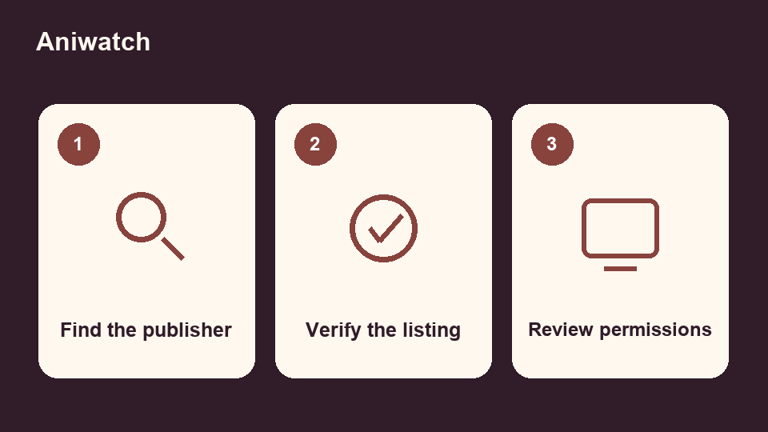
Trace the listing back to the publisher
Search for the publisher’s support and product documentation independently of the download page. Look for a link from that documentation to the exact store listing, then compare the listing’s developer name, contact details, and developer website. A similar app name is easy to overlook when browsing on a small screen, so open the full listing and read the publisher details before opening an installer.
For example, if two results both say “Aniwatch app” but link to different developer sites, look for a documented connection between the service and one of those developers. A privacy policy can help identify the entity, but a convincing match should include publisher documentation that points to the listing itself. If you cannot make that connection, close the download page and look for the anime through a service identified by its distributor.
Evaluate file claims and installation prompts
Terms such as “latest,” “old version,” or “verified” are claims made by the page. If a publisher offers a file directly and publishes a checksum for the exact release, a matching checksum can tell you whether your copy matches the published file. Take the reference checksum from the verified publisher’s own release information. A value copied from the same unverified download page leaves the question of origin unresolved.
If a page asks you to disable a protection, allow installations from your browser, or open another installer before you can proceed, stop at that point and return to the publisher’s documented route. Likewise, a security scan can supplement source verification, but a clean result leaves publisher identity unresolved. If you already downloaded the file and cannot verify its origin, delete it without opening it. Use the installation instructions for an independently verified service instead.
Read the permissions in context
If you install an app from a verified source, review permission prompts against the task you are trying to perform. A playback app requesting access to contacts, text messages, or accessibility controls merits a closer look. Read the publisher’s explanation and decline permissions you do not need. You can review granted access through the app’s permissions page in Android settings. The menu names can vary by device, so search settings for the app name if you cannot find it.
For example, if a player asks for contacts as soon as you attempt to watch an episode, deny the request and check whether ordinary playback works. If the prompt blocks viewing and the publisher gives you no clear explanation, uninstall the app. If you already submitted credentials through an app you cannot verify, change the password through the verified account provider and review active sessions.
Check the streaming service’s rights separately
A publisher can identify its own app, while licensing evidence comes from the anime’s rights holder, distributor, or authorized regional licensee. Search one of those sources for the exact title, season, and country. Follow any watch link it provides, then verify the episode on the service’s regional title page. This is particularly helpful for franchise films or specials listed under a different name from the main series.
Suppose you find a service named in an announcement for the original series, but you want a later film. Use the film’s full title and check for a separate release announcement that includes your country. If you still cannot confirm the rights or match the service to a publisher, leave the package unopened and use a viewing option you can trace through the distributor.
Next step