
Aniwatch Searches and Anime With Subtitles or Dubbed Audio
Independent editorial guidance on compatibility, device settings, safety, and responsible use.
If you opened an Aniwatch search to find an anime sub or dub, start by checking the languages for the exact episode you want to watch. A title page may summarize the series while the episode player shows the choices for that particular release. Confirm the service through an authorized source, then take a few minutes to test the audio, subtitles, and readability on the device you plan to use.
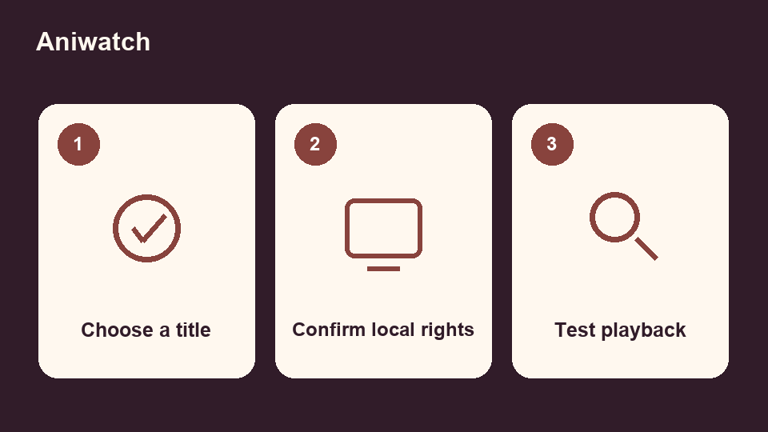
Read audio and subtitle labels separately
Audio is the spoken track. Subtitles are text shown on screen. Captions can also describe sounds or identify speakers, depending on the track. In an anime listing, “sub” often means the original spoken track accompanied by translated subtitles, while “dub” points to a recorded track in another language. Check the actual language names on the player menu because the short labels alone may leave out which language you will hear or read.
For example, to watch with Japanese voices and English text, open the episode, select Japanese under audio, and select English under subtitles if both appear. If you want spoken English and on-screen dialogue, check whether the player offers English audio and a caption track. Play a short dialogue scene and confirm that you can hear and read what you intended. Where multiple English text tracks are listed, preview each one before choosing.
Look past the series cover to the specific episode
Start with the full title and season, then confirm the episode number. A series might list a dub for one group of episodes and leave another group with different choices. Specials and recap episodes can have separate entries. If you are choosing a show for a group that wants dubbed audio, sample the episode you will watch together and, if you plan to continue, check the next episode’s listing too.
For instance, if a season page mentions English audio but the episode menu lists Japanese only, check whether the service has separate entries for the subbed and dubbed releases. Use the service’s search or browse from its own series page, and compare the episode names to avoid jumping ahead. If the catalog is unclear, ask support whether the episode has the desired track in your region.
Verify viewing rights and app ownership
Use a rights holder’s, distributor’s, or authorized regional licensee’s site to look for a watch announcement covering your country and the specific title or season. Follow the named streaming service and check its regional episode listing and language information. If the announcement names a streaming platform but does not describe language tracks, consult the platform’s episode details or ask its support about the languages.
If you are choosing an app after searching for Aniwatch, open the listing linked from the verified service’s website. Compare the developer name and support details with the publisher’s documentation. If a search result promises a specific dub but the verified service does not list it, ask the rights holder or authorized distributor where that language version is available. This keeps both checks anchored to the release you intend to watch.
Make the text comfortable to follow
Start with a short scene that contains both dialogue and a busy background. If the player or supported device provides subtitle controls, adjust size, contrast, or background opacity until the text is easy to read. Make that check on the screen you will watch. Text that reads well a foot from a phone may be difficult to follow from a couch, and a subtitle background can help when white text overlaps a bright scene.
If subtitles appear late or disappear midstream, reopen the language menu and reselect the track. Try another episode on the same device, then test the affected episode on another supported device if one is handy. If the same scene remains out of sync, record the title, episode, timestamp, and track label and send those details to the verified service’s support. That gives the service a specific segment and language track to inspect.
Next step